Turn WhatsApp conversations into measurable pipeline.
Conversation 365 unifies WhatsApp, WeChat, WeCom, and Live Chat in one team workspace, with the lead tracking, owner attribution, and pipeline visibility most chat tools forget.
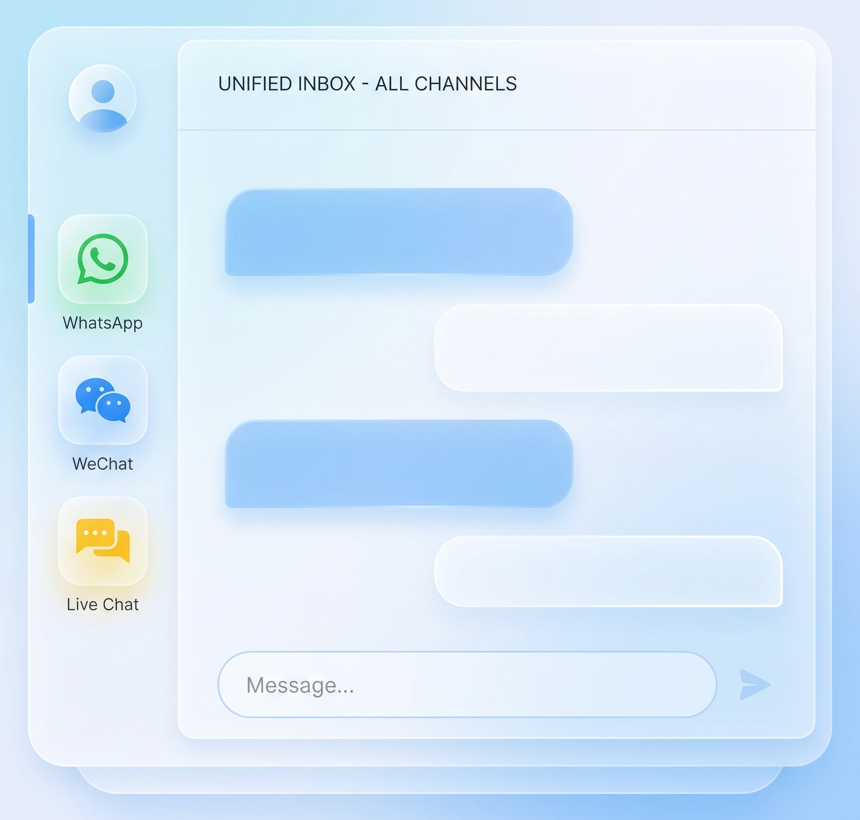
WhatsApp, WeChat, WeCom, and Live Chat.
One workspace for supported channels, then one operating layer for routing, ownership, customer context, and lead tracking behind them.
Shared inbox
One queue across channelsAll inbound conversations land in one team workspace instead of being split across devices, apps, or personal accounts.
- One inbox for WhatsApp, WeChat, WeCom, and Live Chat
- Shared history, internal context, and audit trail
- Same customer and lead layer behind every thread
Modes and operations
Group, Team, Pick Up, TransferTeams can run open collaboration, restricted ownership, or clean handoff without losing conversation context.
- Group Mode for open queue collaboration
- Team Mode for single-owner visibility and accountability
- Pick Up and Transfer for service-to-sales or tier handoff
Customer tagging
Intent, product, segment, follow-upTag customers by buying intent, product interest, VIP status, branch, campaign, or next-step state so follow-up does not disappear into the thread.
- Useful for routing, broadcast audiences, and rep prioritization
- Tags stay attached to the conversation and profile context
Business tracking
Recommendation to payment linkProduct recommendations, quoted items, and payment links can be carried into Lead Orbit so the conversation becomes a measurable business record, not just a reply log.
- Track what product was recommended in the chat
- Keep payment-link follow-through tied to the same lead
- Preserve owner, source, and progression for full tracking
AI that does the work, not just answers the chat.
From rule-based booking bots to agentic AI sales and service, automation lives inside the same inbox your team uses. Customers do not notice the handoff. Your team feels the difference.
Rule-based flows
Deterministic. Predictable. Production-safe.When the process is well-defined, rule-based flows handle it reliably without LLM unpredictability.
- Restaurant booking with date, party size, confirmation, and calendar sync
- Repeat order flow with payment link auto-sent
- FAQ deflection for store hours, delivery zones, and return policy
- Appointment scheduling for clinic, beauty, and professional services
- Coupon distribution gated by tag, segment, or campaign source
Fast to deploy. Easy to audit. Zero hallucination risk.
Agentic AI agents
Reasoning. Adaptive. Customer-aware.For conversations that need judgment, AI agents trained on your catalog, tone, and policies can take the lead and escalate when they should.
- AI Sales Agent for qualification, recommendation, and payment link follow-through
- AI CS Agent for tier-1 support, issue classification, and clean escalation
- AI Tagging Agent for intent, sentiment, and product-interest classification
- AI Profile Enricher for turning conversation signals into Contact 360 attributes
Trained on your data. Guarded by your rules. Escalates when it should.
Rules where you need certainty. Agents where you need judgment. Both in the same inbox, and both handing off cleanly to humans when the moment calls for it.
A common direct-sales case: staff sell in WhatsApp.
Frontline staff often recommend products or services and send payment links directly in chat. Without Lead Orbit, most of that activity stays buried in message history and management only sees the completed order at the end.
Staff sends product or service recommendations in WhatsApp.
Quote or payment link is shared directly in the same thread.
Owner, recommended item, and payment-link activity are attached to the lead.
Pipeline, recommended items, and conversion progress become visible per staff member.
Instead of waiting for completed orders, management can see sales activity while the conversation is still in motion.
The same conversation can become booking, registration, service, or commerce.
This is the Gaxas platform difference: the same customer conversation can move directly into booking, event registration, warranty service, coupon request, or conversational commerce without breaking the thread.
Booking & appointments
Let customers book restaurant tables, clinic appointments, service slots, or consultations directly inside the conversation.
See booking flowEvent registration
Use chat to capture sign-up for launches, seminars, roadshows, and member events with customer details already attached.
Ask about event setupWarranty & service
Handle warranty registration, ownership lookup, service requests, and claims from the same WhatsApp or WeChat thread.
See warranty flowPromotion coupon requests
Issue, verify, and route coupon or promotion requests with customer tags, campaign source, and redemption context in one place.
See coupon workflowConversational commerce
Send recommendations, quotes, coupon codes, and payment links in chat, then keep order progress tied to the same customer record.
See commerce integrationLoyalty & member services
Support points, tier checks, reward redemption, and member follow-up inside the same conversation instead of another disconnected tool.
See loyalty appsThis is the advantage of a unified apps platform: the conversation does not stop at chat, it moves directly into the business action.
How different businesses put it to work.
The apps are the building blocks. These are the real-world scenarios businesses across Hong Kong and APAC run on top of Conversation 365.
One WhatsApp sales line across multiple stores
Customers message one number, then get routed to the right branch for product advice, stock checks, pickup, and staff follow-up.
Best for: multi-store retail, F&B groups, franchises.
See retail network setupBooking and rescheduling in the same chat
Customers can ask for slots, confirm appointments, reschedule, and receive reminders without leaving the conversation thread.
Best for: clinics, beauty, wellness, professional services.
See booking flowWarranty registration and service follow-up
Customers can register products, ask about coverage, submit service requests, and follow claim progress in the same channel.
Best for: electronics, appliances, distributors, service teams.
See warranty flowEvent registration and follow-up journeys
Customers register for launches, seminars, roadshows, or member events in chat, then move directly into reminders and post-event follow-up.
Best for: campaigns, roadshows, seminars, community events.
See event scenarioCoupon requests and member offers in chat
Customers ask for promotion codes, reward redemption, or member benefits, and staff can respond with the right offer using profile and campaign context.
Best for: loyalty programs, CRM campaigns, repeat customers.
See loyalty appsRecommend, quote, and close inside the thread
Staff can recommend products, send quote or payment links, and keep the conversation tied to customer, order, and sales pipeline data.
Best for: VIP sales, assisted commerce, product-led chat conversion.
See featured scenarioDo not see your scenario? Most teams start with a custom flow. Talk to us about yours.
Common questions before rollout.
Are we an official Meta Business Partner?
Can multiple teammates share the same WhatsApp, WeChat, WeCom, or live chat account?
How is this different from generic WhatsApp inbox tools?
Can one WhatsApp number serve 100 retail stores?
How does Lead Orbit integration actually work?
Does the AI replace my team, or work alongside them?
Which channels are supported today?
How long does rollout take?
See how Conversation 365 fits your channels, team, and pipeline.
In 30 minutes, we will map your channels, access rules, transfer flow, Contact 360 matching, Lead Orbit pipeline setup, and the actions your team needs most. No slides. We show the real product against your real scenario.